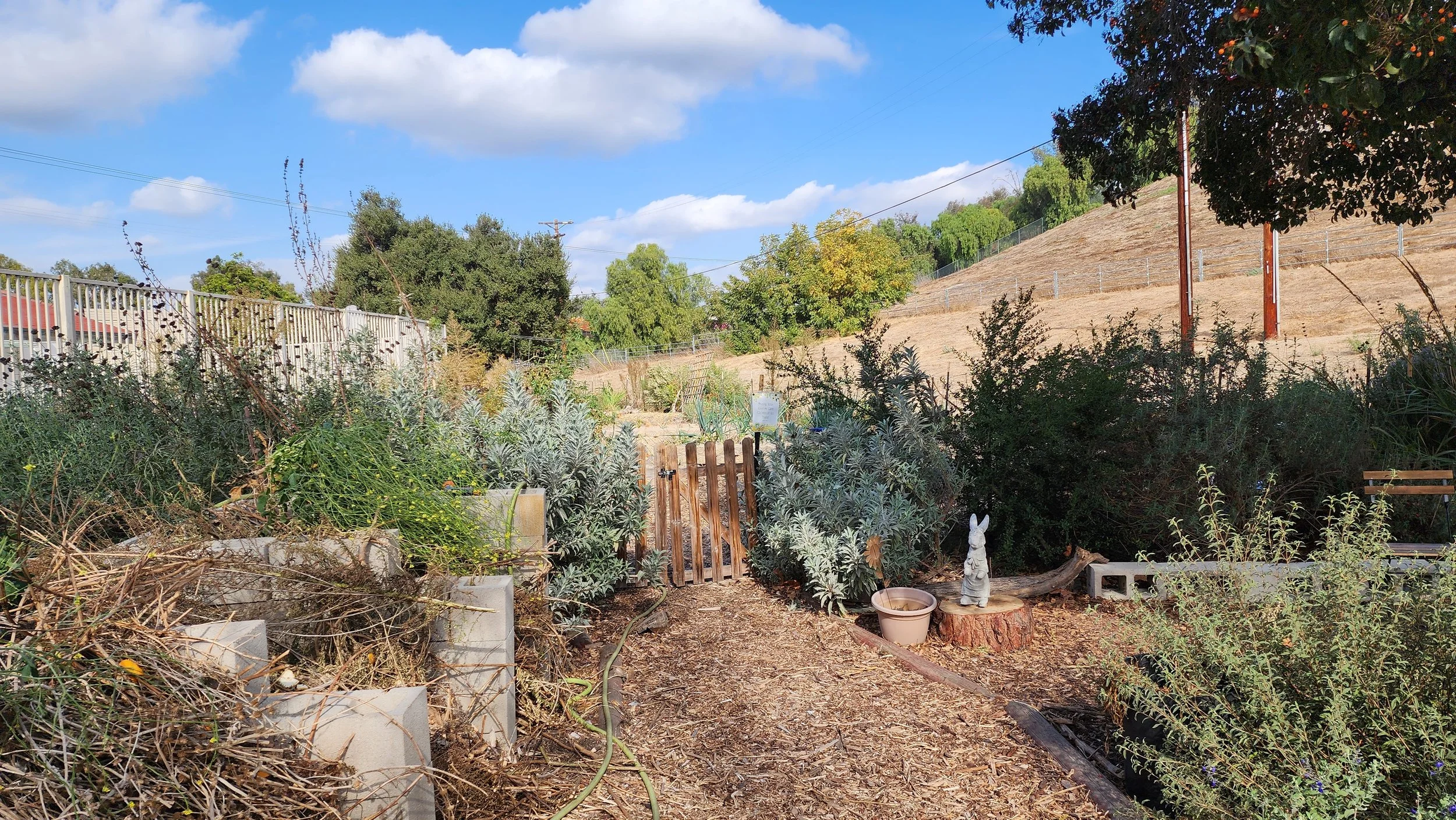
A community garden with plants, a wooden gate, a rabbit statue, and a hillside in the background under a blue sky with clouds.

Learn to garden with confidence. Free videos, weekly posts, and real support from a growing community.

Choose Your Path

Find the resources tailored to why you’re here.

We’re Live Every Monday at 5:30 PM!

Growing With Professor Brown is now broadcasting live every Monday at 5:30 PM PT. You can check this page weekly for the new link, or SUBSCRIBE TO THE CHANNEL to get a notification whenever we go live.

Next Broadcast: Sweet Potatoes, Comfrey, & Starting a New Log Project

WATCH THE LIVE STREAM HERE

How to Chat During Our Livestreams

  1. Sign In: Click "Sign In" at the top right of YouTube and use your Gmail or Google account.

  2. Create Your Identity: To comment, YouTube requires you to have a "Channel." If you haven't done this, click your profile icon in the top right, select "Create a channel," and follow the prompts. You don't need to upload any videos; this just gives you a name to use in the chat.

  3. Join the Chat:

    • On a Computer: The "Live Chat" box is usually on the right side of the video. Type your message at the bottom and hit enter.

    • On a Mobile Device: Tap the "Chat" button (located just below the video player) to open the message window.

Troubleshooting Tip: If you can't see the chat, make sure you aren't in "Full Screen" mode on a phone, as the chat window often disappears in horizontal view. Tap the screen and look for the chat icon to bring it back up.